
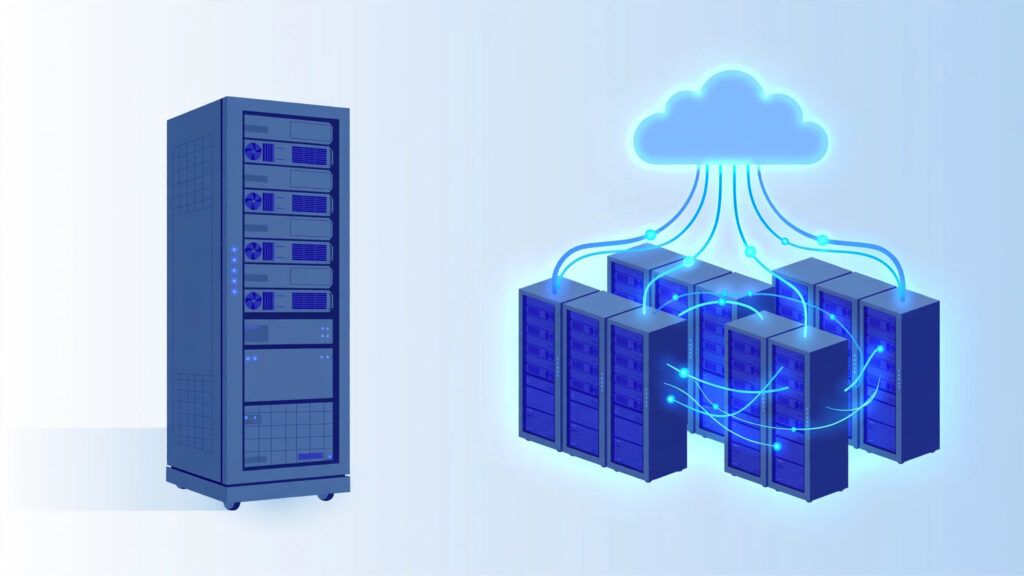
If the term sounds like marketing fluff, you are half right — providers use “cloud” loosely. So what is a cloud server? Like a VPS, it gives you dedicated CPU, RAM, and storage — but instead of living on one physical server, it draws from a shared pool of resources across many machines. This guide explains what it actually means and when it matters.
Disclosure: This post contains affiliate links. If you buy through them, we may earn a commission at no extra cost to you.
Table of Contents
How a Cloud Server Works
A traditional VPS is carved out of one physical server by a hypehttps://en.wikipedia.org/wiki/Hypervisorrvisor. If that physical server’s hardware fails, your VPS goes down with it (until the host fixes or migrates it).
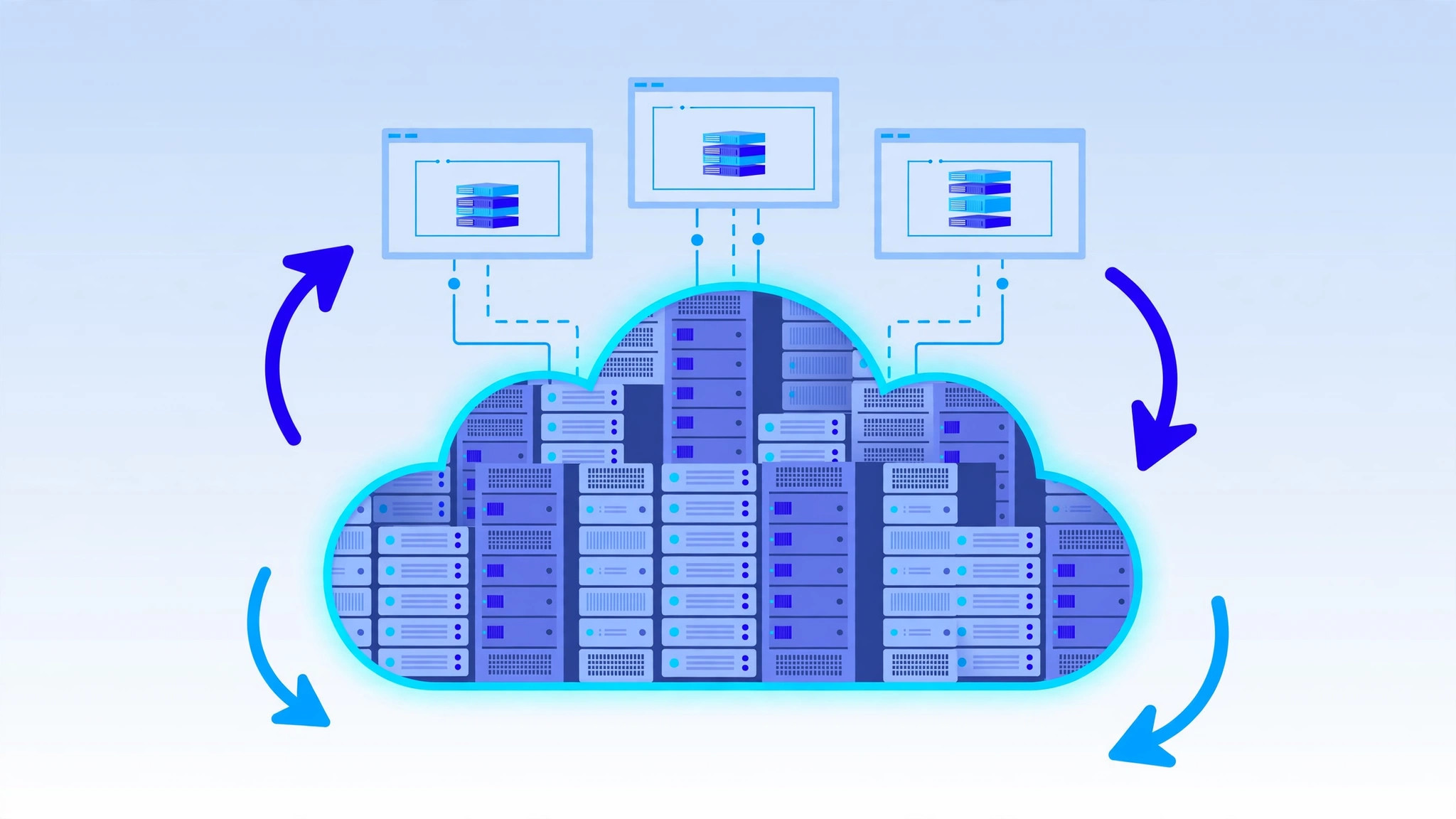
A cloud server is carved out of a cluster of many physical servers working together through virtualization and orchestration software. Your virtual machine’s resources come from this pool rather than from one specific machine. In practice this means:
- Hardware failure is handled automatically. If one physical machine in the cluster dies, your cloud server can be restarted on another machine in the cluster — often with minimal downtime.
- Resources are elastic. You can scale CPU and RAM up or down on demand, sometimes without rebooting.
- Storage is usually network-attached. Your data lives on distributed storage systems rather than on a single local disk, which adds redundancy.
Under the hood it is still virtualization — the same core idea as VPS — but spread across an entire data center instead of a single box.
Cloud Server vs Traditional VPS: Key Differences
| Feature | Traditional VPS | Cloud Server |
|---|---|---|
| Infrastructure | Single physical server | Pool of many servers |
| Hardware failure | Downtime until fixed/migrated | Automatic failover to healthy hardware |
| Scaling | Upgrade plans, usually with a reboot | Elastic, often without downtime |
| Billing | Fixed monthly price | Fixed monthly or pay-as-you-go (hourly) |
| Storage | Local disk on the host machine | Usually distributed/network storage |
| Typical price | $4–$40/month fixed | Similar, but usage-based billing can vary |
| Complexity | Simple and predictable | Slightly more concepts to learn |
The honest truth about the difference
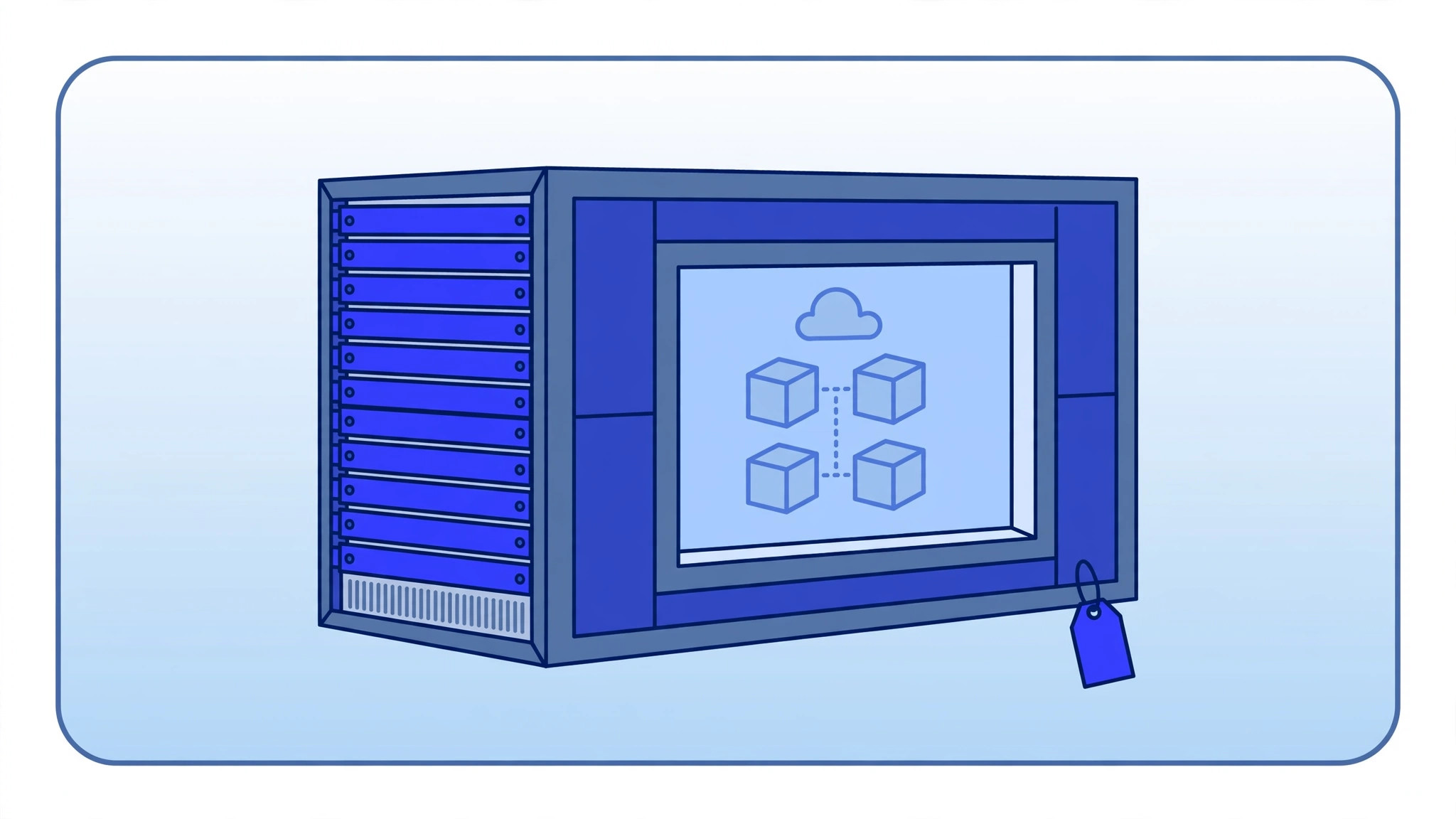
For a small website or a personal project, a traditional VPS and a basic cloud server feel identical day to day. You SSH in, install your software, and it runs. The cloud advantages — automatic failover, elastic scaling — matter most when uptime is critical or traffic is unpredictable.
Also note: many providers now sell “cloud VPS” plans that are essentially traditional VPS plans with fixed monthly pricing running on cloud-style infrastructure. The label matters less than the actual features: ask about failover, snapshots, and scaling.
Advantages of Cloud Servers
1. High availability
The headline benefit. Because your server is not tied to one physical machine, hardware failures do not have to mean extended downtime.
2. Elastic scalability
Traffic spike? Add resources in minutes — and scale back down when it passes (on pay-as-you-go billing, you only pay for the spike).
3. Pay-as-you-go options
Many cloud platforms bill hourly or per-second. This is excellent for temporary workloads: spin up a powerful server for a weekend project, then delete it and pay almost nothing.
4. Snapshots and easy cloning
Cloud platforms typically make it trivial to snapshot your server, clone it, or spin up identical copies — useful for testing, staging, and disaster recovery.
5. Global reach
Major cloud providers offer dozens of regions worldwide, so you can deploy close to your users wherever they are.
Downsides of Cloud Servers
- Billing can be unpredictable. Pay-as-you-go is flexible but a forgotten server or a traffic surge can produce a surprising bill. Set billing alerts.
- Network storage latency. Distributed storage is redundant but can be slightly slower than local NVMe on a traditional VPS for I/O-heavy workloads.
- More to learn. Concepts like regions, availability zones, object storage, and load balancers add complexity beginners may not need.
- Egress fees. Some cloud providers charge for outbound data transfer (“egress”) — check this if you serve a lot of downloads or video.
Cloud Server vs VPS: Which Should You Choose?
You now know what is a cloud server and how it stacks up against a traditional VPS — here is how to pick the right one for your workload.
Choose a traditional VPS if:
- You want simple, fixed monthly pricing with no surprises
- You run a website, blog, or small app with steady, predictable traffic
- You want a remote desktop or a personal server for learning
- You prefer the simplest possible setup
Choose a cloud server if:
- Uptime is critical — every minute of downtime costs you money or reputation
- Your traffic is unpredictable — viral spikes, seasonal sales, event-driven loads
- You need to spin servers up and down frequently (testing, CI/CD, temporary projects)
- You want pay-as-you-go billing for short-lived workloads
- You plan to use multiple servers across regions with load balancing
The practical middle ground
Many beginners start with a fixed-price “cloud VPS” plan — cloud infrastructure, simple monthly billing. You get most of the reliability benefits without the billing anxiety of pure pay-as-you-go. As of 2026, several well-known providers offer exactly this.
Common Cloud Server Use Cases
- Web applications that need high availability
- E-commerce stores with seasonal traffic spikes
- SaaS products and APIs serving users in multiple regions
- Development and testing environments spun up on demand
- Data processing jobs that need a powerful machine for a few hours
- Remote desktops that must stay online around the clock
The Bottom Line
So, what is a cloud server in practical terms? It is a virtual server that pulls its resources from a pool of physical machines instead of a single box. Pick a cloud server when uptime and elastic scaling matter most, and stick with a traditional VPS when you want simple, predictable hosting.
Frequently Asked Questions
What is a cloud server — and is it the same as a VPS?
Not exactly, though they overlap heavily. A VPS is a virtual server on one physical machine; a cloud server is a virtual server on pooled cloud infrastructure. Many products marketed as “cloud VPS” blend both ideas.
Is cloud hosting more expensive than VPS?
It can be either way. Fixed-price cloud VPS plans cost about the same as traditional VPS plans. Pure pay-as-you-go cloud can be cheaper for short bursts but more expensive for a server running 24/7 — always estimate with the provider’s pricing calculator.
Do I need technical skills to use a cloud server?
The same skills as a VPS: basic server administration. Cloud platforms add a few extra concepts (regions, snapshots, firewalls as a service), but nothing a beginner cannot learn with a tutorial or two.
Can I run Windows on a cloud server?
Yes — most cloud providers offer Windows Server images, though the license fee applies just like with a traditional Windows VPS, typically adding around $10–$25/month.