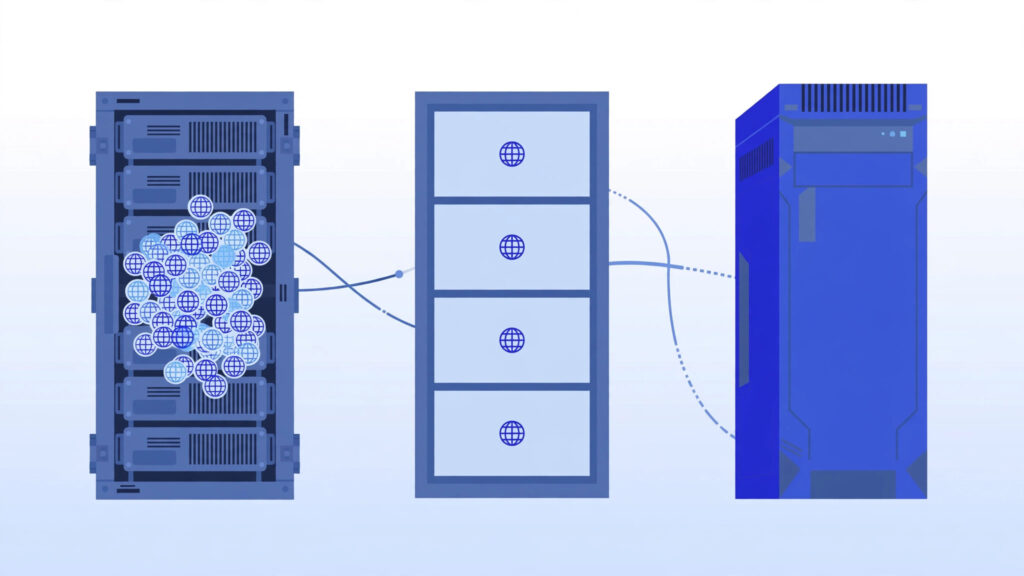

VPS hosting is a type of web hosting where a physical server is divided into multiple isolated virtual servers, each with its own dedicated CPU, RAM, and storage. It sits between shared hosting and dedicated servers: more powerful and flexible than shared hosting, but far more affordable than renting an entire physical server. If your website has outgrown shared hosting, VPS hosting is usually the natural next step.
Disclosure: This post contains affiliate links. If you buy through them, we may earn a commission at no extra cost to you.
How VPS Hosting Works
To understand VPS hosting, picture a large apartment building. A dedicated server is like owning the whole building. Shared hosting is like renting a single room where you share the kitchen and bathroom with dozens of strangers. A Virtual Private Server (VPS) is like owning your own apartment: you share the building (the physical server) with others, but your apartment has its own locked door, its own kitchen, and nobody else can touch your stuff.
Technically, this is made possible by a hypervisor — software that splits one powerful physical machine into several virtual machines. Each virtual machine runs its own operating system and gets a guaranteed slice of resources:
- CPU cores — your share of processing power
- RAM — your guaranteed memory
- Disk space — your own storage, usually SSD or NVMe
- Bandwidth — your monthly data transfer allowance
Unlike shared hosting, where a traffic spike on a neighbor’s site can slow yours down, a VPS gives you isolated resources. What you pay for is yours.
VPS Hosting vs Other Hosting Types
Here is how VPS hosting compares to the alternatives at a glance:
| Feature | Shared Hosting | VPS Hosting | Dedicated Server |
|---|---|---|---|
| Resources | Shared with many users | Guaranteed, isolated | Entire server is yours |
| Typical cost | $2–$10/month | $4–$40/month | $80+/month |
| Root/admin access | No | Yes | Yes |
| Scalability | Limited | Easy upgrades | Manual hardware upgrades |
| Technical skill needed | Minimal | Basic to moderate | Advanced |
For a deeper comparison, read our guide to compare VPS with shared hosting and dedicated servers and pick the right hosting with confidence.
The Main Advantages of VPS Hosting
1. Guaranteed resources
Your CPU, RAM, and storage are reserved for you. A noisy neighbor on the same physical machine cannot steal your performance the way they can on shared hosting.
2. Full root access
You get administrator (root) access to your server. Install any software, change server settings, run custom applications — things shared hosting simply does not allow.
3. Better security
Isolation means another customer’s hacked website does not directly expose yours. You can also configure your own firewall rules and security policies.
4. Easy scalability
Most providers let you upgrade RAM, CPU, or storage in a few clicks, often without downtime. Start small and grow as your traffic grows.
5. Great value for money
A basic VPS often costs only slightly more than premium shared hosting, yet delivers far more control and performance.
The Downsides to Know About
VPS hosting is not perfect for everyone:
- More responsibility. With an unmanaged VPS, you handle updates, security patches, and troubleshooting yourself.
- Learning curve. If you have only ever used cPanel on shared hosting, the command line can feel intimidating at first.
- Misconfiguration risk. Full control means you can accidentally break things. Backups are essential.
This is why managed VPS hosting exists — the provider handles the technical maintenance for you (more on that in our managed vs unmanaged VPS guide).
Who Should Use VPS Hosting?
VPS hosting is a good fit if you:
- Run a website getting consistent traffic (roughly 20,000+ monthly visitors) that shared hosting struggles with
- Need to run custom software — a Node.js app, a game server, a trading terminal, or a private VPN
- Want a remote Windows desktop for work or trading (often called RDP/VPS in this context)
- Are a developer or freelancer who needs a staging environment or wants to learn server administration
- Run an e-commerce store where speed and reliability directly affect revenue
You probably do not need a VPS yet if you run a small personal blog with a few hundred visitors a month — good shared hosting or managed WordPress hosting is cheaper and simpler.
What Can You Do With a VPS?
A VPS is remarkably versatile — from hosting websites to running a remote desktop you can access from anywhere. Common uses include:
- Hosting one or multiple websites (WordPress, e-commerce, forums)
- Running a remote desktop you can access from anywhere
- Setting up a private VPN for secure browsing
- Hosting game servers (Minecraft, Valheim, and others)
- Running trading software like MetaTrader 24/7
- Storing backups or running a personal cloud (Nextcloud)
- Learning Linux server administration hands-on
How to Choose Your First VPS
When shopping for your first VPS, compare these key specs:
- RAM — 2 GB is a comfortable starting point for most websites; 1 GB works for very light use.
- CPU — 1–2 vCPU cores handle a typical small site; more cores help with apps and multitasking.
- Storage — Prefer SSD or NVMe over old HDD storage; 25–50 GB is plenty to start.
- Bandwidth — 1–2 TB per month is generous for most beginners.
- Location — Choose a server location close to your visitors for lower latency.
- Operating system — Ubuntu and Debian are beginner-friendly Linux choices; Windows Server costs extra due to licensing.
- Support — Check whether support is 24/7 and whether the plan is managed or unmanaged.
Prices change often, so always check the provider’s website for current plans — but as of 2026, entry-level VPS plans from reputable providers typically start around $4–$6 per month. For a full breakdown of price tiers and hidden fees, see our guide on how much VPS hosting costs in 2026. When you are comparing providers, it also helps to know how we review VPS providers at BuyRDPs — our transparent methodology for testing and scoring every host.
Frequently Asked Questions
Is VPS hosting good for beginners?
Yes, especially managed VPS hosting, where the provider handles updates and security. Unmanaged VPS requires basic Linux or Windows Server knowledge, but there are countless tutorials to learn from.
Do I get a dedicated IP with VPS hosting?
In most cases, yes. The majority of VPS plans include at least one dedicated IPv4 address, which is useful for email servers, SSL, and remote access.
Can I upgrade my VPS later?
Usually yes. Most providers allow one-click upgrades to add RAM, CPU, or storage, often without taking your server offline.
Is VPS faster than shared hosting?
Generally yes, because your resources are guaranteed and not shared with hundreds of other websites. The actual speed also depends on the provider’s hardware, your server location, and how well your site is optimized.