

When you order a VPS, one of the first questions the provider asks is deceptively simple: which datacenter location do you want? Most beginners pick whatever is pre-selected — and that small, rushed decision can quietly affect your site’s speed, your search rankings, and even your legal obligations for years.
This guide explains how to choose VPS server location wisely, using practical factors: latency, where your visitors live, data privacy laws, pricing, and network quality.
Table of Contents
Why Server Location Matters
Every request to your website travels as data over physical cables. The farther that data has to travel, the longer it takes — a delay measured in milliseconds called latency. A visitor in Mumbai connecting to a server in Mumbai might see latency under 20 ms. The same visitor connecting to a server in New York could see 200 ms or more.
A couple hundred milliseconds may not sound like much, but latency stacks up: a typical web page makes dozens of requests, and each round trip adds delay. Studies by major tech companies have repeatedly shown that slower pages reduce engagement and conversions. Server location will not fix a badly optimized site, but picking the wrong continent guarantees a speed penalty no amount of caching can fully erase.
Location also affects which privacy laws apply to your data and, in some cases, how search engines perceive your site’s relevance to local users.

Choose VPS Server Location Based on Your Audience
The single most important rule is simple: put your server close to your visitors.
Map where your visitors actually live
If you already have a website, check your analytics (Google Analytics, Cloudflare, or your current host’s stats) and look at the geographic breakdown of your traffic. If 70% of your visitors are in India, a server in Mumbai or Delhi is the obvious choice. If your audience is split across Europe, somewhere central like Frankfurt or Amsterdam usually works well.
If you are launching something new, think about who you are targeting. A blog aimed at US readers belongs on a US server. A SaaS product for European customers belongs in the EU.
Understand latency in rough terms
You do not need to memorize numbers, but these ballpark figures help set expectations:
- Same city or country: often under 20–50 ms — excellent.
- Same continent: typically 30–100 ms — perfectly fine for most sites.
- Across the ocean (e.g., Asia to North America): often 150–250 ms — noticeably slower, especially for interactive applications.
- Opposite sides of the planet: 250 ms and above — avoid if you can.
For a content website or blog, anything under ~100 ms to your core audience is great. For real-time applications — game servers, trading platforms, VoIP, live collaboration tools — every millisecond counts, and you should get as close as physically possible.
Key Factors to Consider
1. Latency and user experience
As covered above, distance equals delay. Prioritize the location that gives the lowest latency to the majority of your users. If your audience is evenly split between two regions (say, the US and Europe), pick the region with slightly more traffic, or consider running servers in both locations later as you grow.
2. SEO and local search
Server location is a minor ranking factor, but it is not zero. Search engines use various signals — including IP geolocation — to understand which country a site serves. If you run a country-specific site (for example, a .in domain targeting India), hosting in that country aligns all your signals. That said, a fast site on a nearby CDN with proper hreflang and Search Console geo-targeting will outperform a slow locally-hosted site every time. Do not choose a bad host just because it is local.
3. Data residency and privacy laws
Some industries and regions legally require data to stay within certain borders. The EU’s GDPR, for instance, restricts transferring personal data outside the European Economic Area unless specific safeguards are in place. If you handle customer data for EU users, hosting in the EU simplifies compliance enormously. Similar rules exist in countries like Russia, China, and Brazil. If you are unsure, hosting in the same legal jurisdiction as your customers is the safest default.
4. Pricing differences by region
The same VPS plan can cost different amounts in different datacenters. Bandwidth and power are cheaper in some regions than others, and providers pass those differences on. Prices change often, so compare the actual checkout price for each location rather than assuming they are identical. Sometimes the “obvious” location costs noticeably more — in that case, weigh the latency benefit against the price difference honestly.
5. Datacenter quality and network
Not all datacenters are equal, even within the same provider. Look for locations with multiple network carriers (redundancy), modern hardware, and a history of good uptime. Larger, established regions (like Northern Virginia, Frankfurt, or Singapore for their respective areas) tend to get new features and capacity first. If a provider offers a brand-new region, it is fine to use it — but check community feedback for early teething problems.
6. Time zone and support overlap
This one is underrated. If your provider offers phone or live-chat support, having your server in a region whose business hours overlap with yours can matter during an emergency. It is not a deciding factor, but it is a reasonable tiebreaker.
How to Test Latency Before You Buy
Do not just guess — measure. Here are practical ways to check:
- Ping the datacenter. Many providers publish test IP addresses or “looking glass” tools for each location. From your computer, open a terminal and run
ping <test-ip>. Lower is better, and anything under 100 ms to your target audience is solid. - Test from your audience’s perspective. Free tools like online ping and traceroute services let you test latency from servers around the world. Test from a few cities where your visitors live.
- Check the provider’s status page. Look at historical uptime for the region you are considering, not just the global average.
- Ask the community. Hosting forums and Reddit communities often have real-world latency reports for specific provider-region combinations.
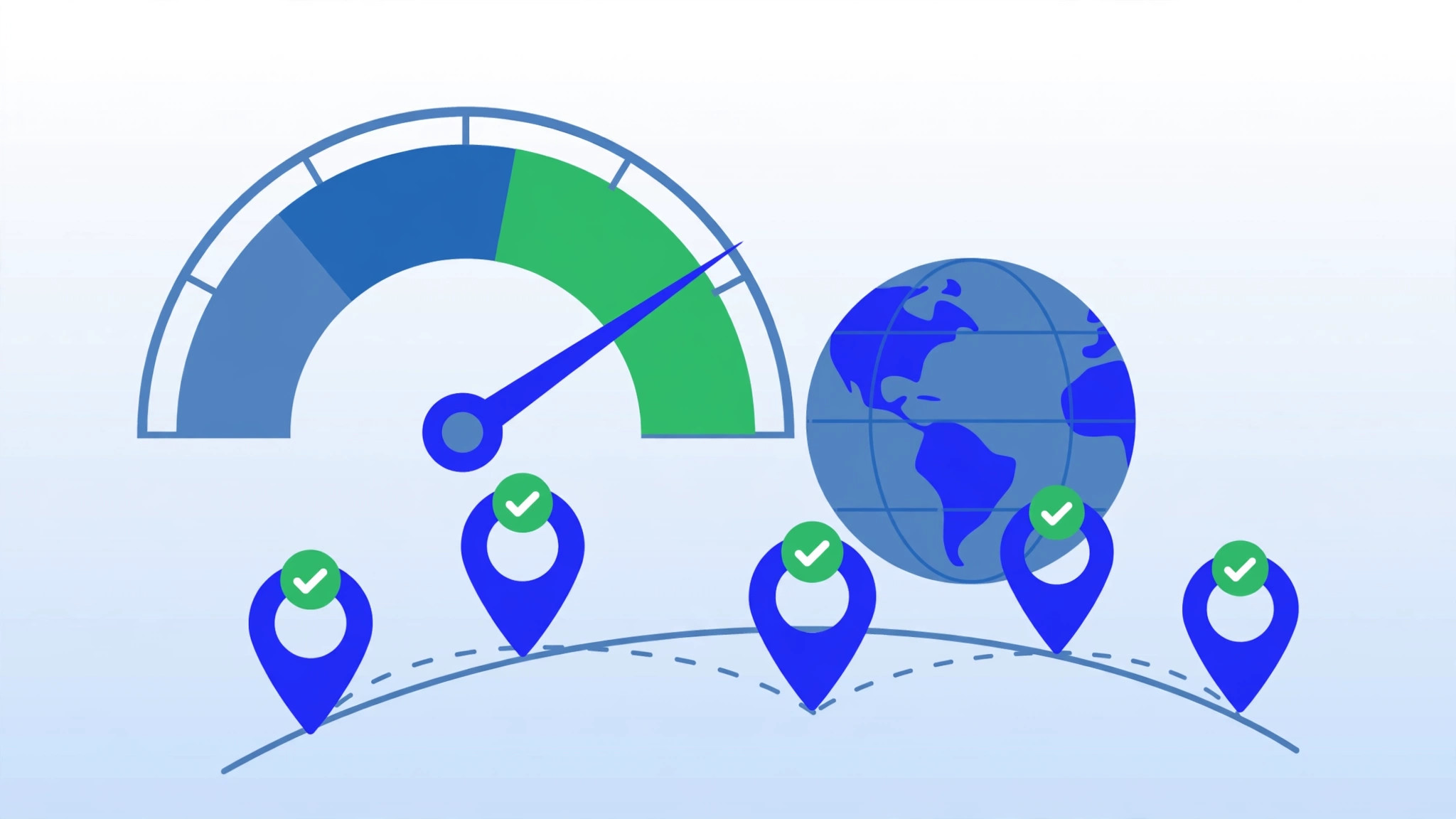
If a provider does not offer any way to test a location before buying, treat that as a mild red flag.
What If Your Audience Is Global?
No single location is close to everyone. If your visitors are genuinely spread across continents, you have a few options:
- Use a CDN (Content Delivery Network). A CDN caches your static content on servers worldwide, so visitors download images, CSS, and JavaScript from a nearby edge node. This dramatically reduces the impact of your origin server’s location for content sites. Many CDNs have generous free tiers.
- Deploy in multiple regions. Larger applications can run servers in two or three regions behind a load balancer or geo-DNS. This adds complexity and cost, so it is usually a “grow into it” strategy rather than a day-one decision.
- Pick the largest audience cluster. Start with one server near your biggest audience segment, add a CDN, and expand to more regions when traffic justifies it.
Common Mistakes to Avoid
- Choosing the cheapest location blindly. A server on the wrong continent to save a dollar or two a month is a false economy.
- Picking based on where you live instead of where your visitors live. If you are in Europe but your customers are in Australia, the server belongs near Australia.
- Ignoring bandwidth costs. Some regions charge more for data transfer. If you serve a lot of media, factor this in.
- Overthinking it. For a typical blog or small business site, “closest major datacenter to most visitors” is the entire strategy. You can always migrate later.
Conclusion
Choosing the right server location for your VPS comes down to one principle: minimize the distance between your server and your visitors, while respecting legal requirements and your budget. Measure latency before you commit, consider a CDN if your audience is global, and remember that you can always move or expand later. Get the location right on day one, and everything else — speed optimization, SEO, user experience — gets easier. Once your server is live, follow a new VPS setup checklist to secure your VPS before launch.
Frequently Asked Questions
Does server location affect SEO?
It is a minor factor. Search engines consider IP geolocation among many localization signals, but site speed, content relevance, hreflang tags, and Search Console settings matter far more. A fast, well-configured site in a neighboring country will outrank a slow locally-hosted one.
Should I choose a server in my own country?
Only if your visitors are also mostly in your country. Always optimize for where your audience lives, not where you live. If they differ, choose the audience’s location.
Can I change my VPS server location later?
Usually yes, but it is a migration: you set up a new server in the desired location, move your data, test, and update your DNS. Some providers offer region migration tools, but many do not — so it is worth choosing carefully up front.
Is a CDN a substitute for choosing a good server location?
A CDN helps a lot with static content, but dynamic requests (logins, checkouts, API calls) still travel to your origin server. Think of a CDN as a complement to a well-chosen location, not a replacement for one.