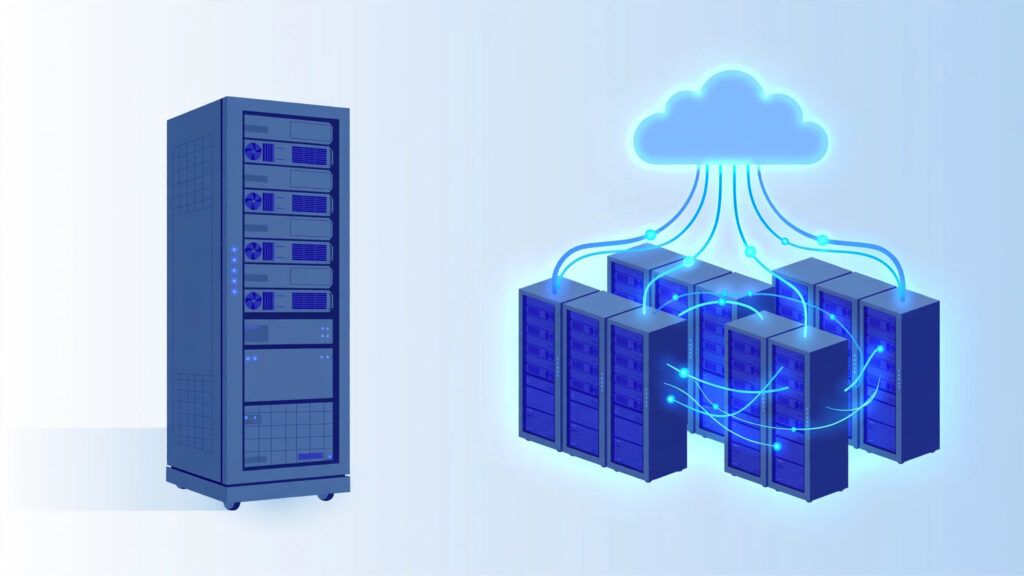
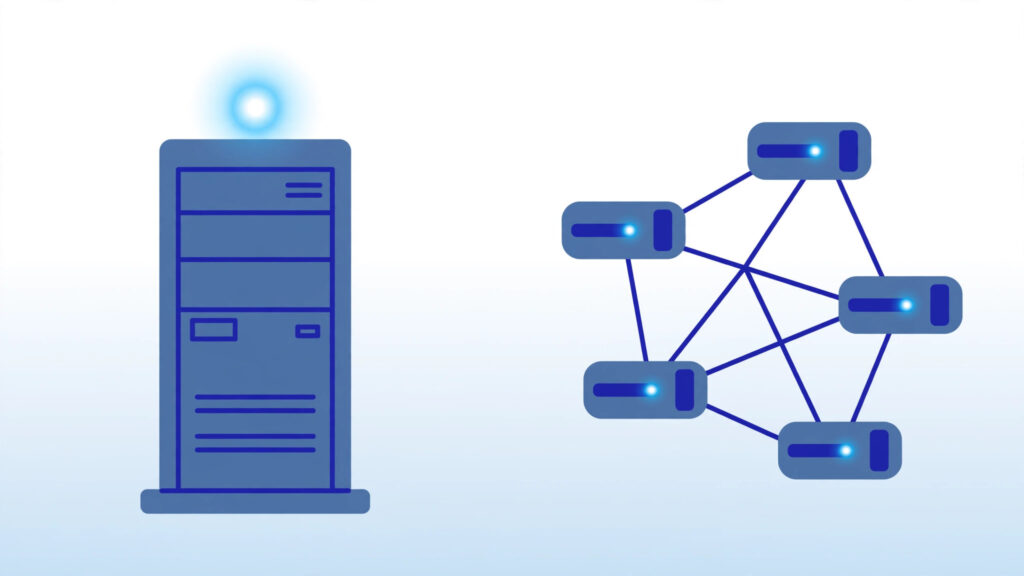
If you are shopping for hosting, you have probably seen two terms used almost interchangeably: “VPS” and “cloud VPS.” They sound similar, and in casual conversation people often treat them as the same thing. But a closer look at cloud VPS vs traditional VPS reveals real differences in how your server is built, how reliable it is, how it scales, and how you pay for it.
In this guide, we explain both technologies in plain language so you can choose the right option for your website, app, or project — without the marketing hype.
Table of Contents
What Is a Traditional VPS?
A traditional VPS (Virtual Private Server) is a virtual machine carved out of a single physical server. The hosting company takes one powerful machine, installs a hypervisor such as KVM, Xen, or VMware, and divides its CPU, RAM, and storage into isolated slices. Each slice behaves like its own independent server: you get root access, your own operating system, and reserved resources that other customers cannot touch.
The key phrase here is single physical server. Your VPS lives on one specific machine in one specific rack. If that machine suffers a hardware failure — a dead drive, a failed power supply, a motherboard issue — your VPS goes down with it until the host repairs the hardware or migrates you to another machine.
Traditional VPS plans usually come with fixed resources. A typical entry-level plan might include 1–2 CPU cores, 2–4 GB of RAM, and 40–80 GB of SSD storage for a flat monthly fee (often starting around $4–$6/month, though prices change often — check the provider’s website). If you outgrow the plan, you upgrade to a bigger one, which usually requires at least a reboot and sometimes a migration to a different physical machine.
What Is a Cloud VPS?
A cloud VPS is also a virtual machine with dedicated resources — but instead of living on one physical server, it runs on a cluster of interconnected servers managed by cloud orchestration software. DigitalOcean’s Droplets documentation explains how these cloud virtual machines run on virtualized hardware.
Think of it this way: a traditional VPS is an apartment in a single building. A cloud VPS is an apartment that can draw on the resources of an entire neighborhood of buildings. Your virtual machine’s storage is usually replicated across multiple physical machines, and if one node in the cluster develops a problem, the platform can move your VPS to a healthy node — often automatically and with minimal downtime.
Cloud VPS platforms also tend to offer on-demand scaling. You can add CPU or RAM through a control panel, sometimes without rebooting, and you can create or destroy servers in seconds through an API. This makes cloud VPS a natural fit for automation and for workloads that grow or shrink.
Cloud VPS vs Traditional VPS: The Key Differences
1. Architecture and Reliability
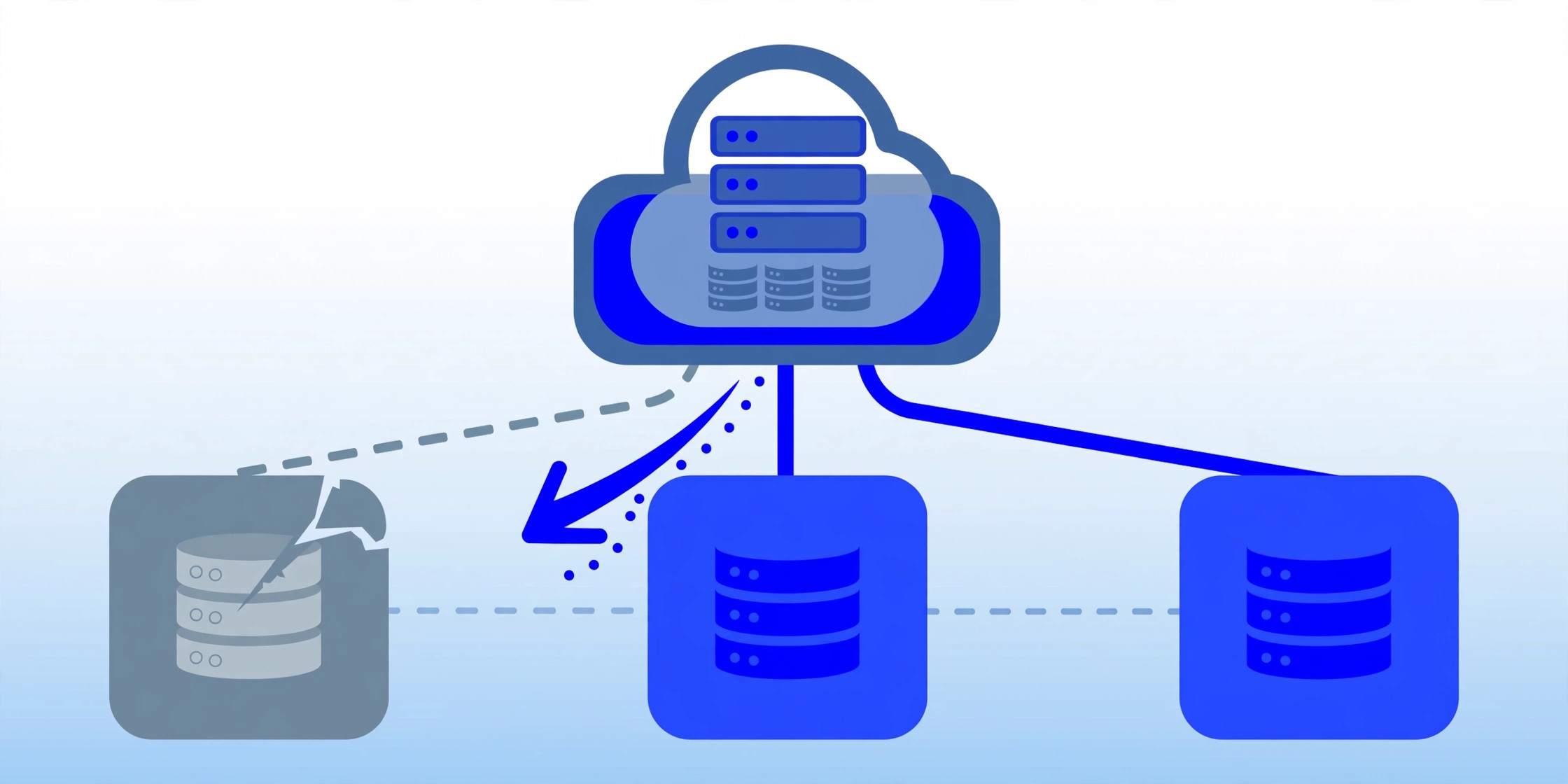
This is the biggest difference between the two. A traditional VPS depends on one physical host. Reputable providers use enterprise-grade hardware with RAID storage and redundant power, so failures are uncommon — but the single machine remains a single point of failure.
A cloud VPS spreads risk across many machines. Storage is typically replicated, and compute workloads can fail over to another node in the cluster. The result is generally higher resilience against hardware problems. That said, “the cloud” is not magic: control-plane outages, network issues, and misconfigurations can
still take cloud platforms offline, so always check a provider’s status history and SLA rather than assuming perfection.
2. Scalability
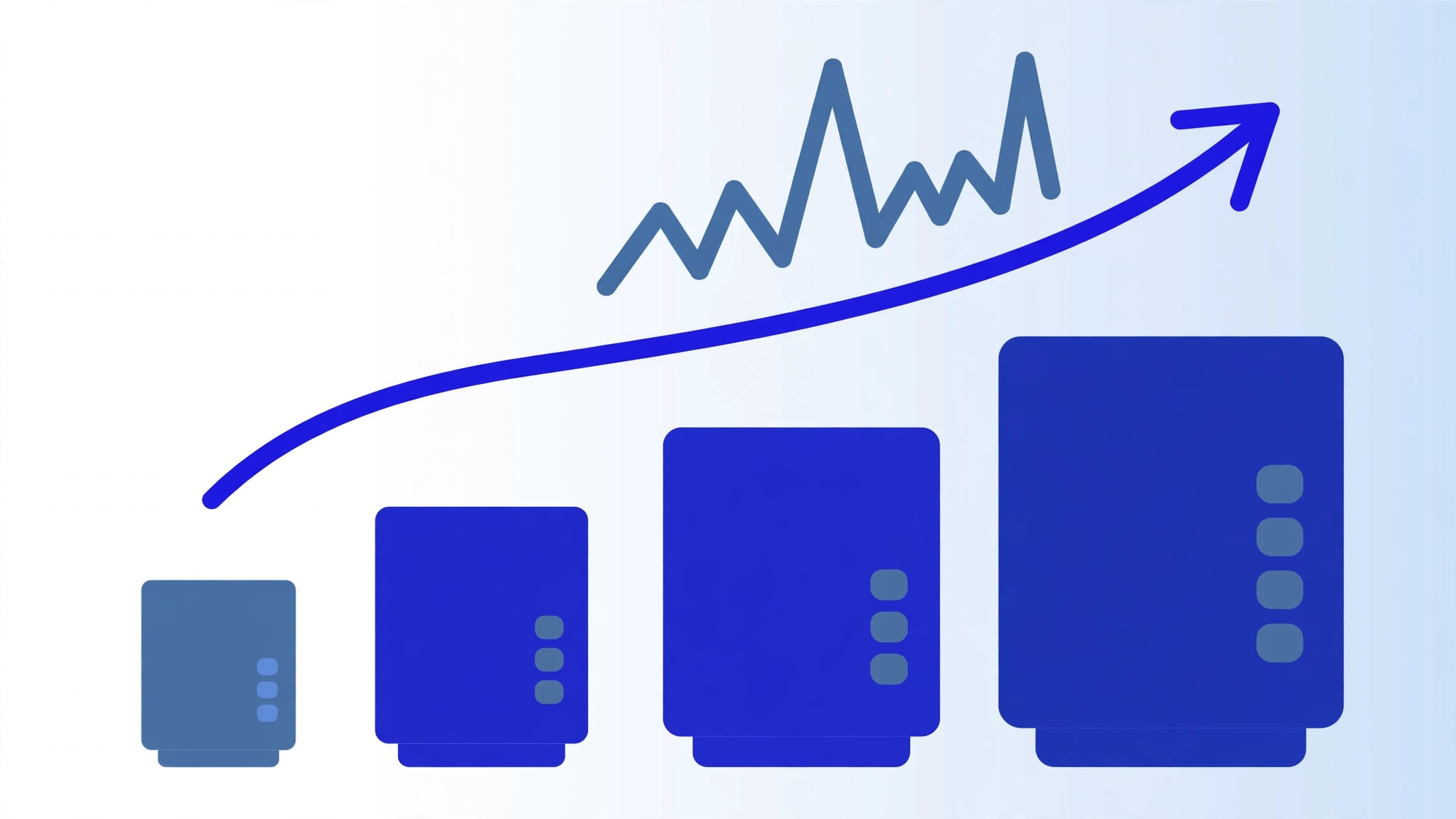
Traditional VPS scaling is vertical and stepped. You move from one fixed plan to the next — for example, from 4 GB to 8 GB of RAM. The upgrade usually involves a reboot, and in some cases a migration window during which your site may be briefly unavailable.
Cloud VPS scaling is elastic. You can resize resources up or down on demand, add extra servers behind a load balancer during traffic spikes, and automate the whole process with scripts or APIs. If your traffic is unpredictable — a viral post, a product launch, seasonal sales — this flexibility is a genuine, practical advantage.
3. Performance Consistency
Both options can be fast. Traditional VPS providers often use high-clock-speed CPUs and NVMe storage, and because your resources are reserved on one machine, performance tends to be predictable from day to day.
Cloud VPS performance depends on the underlying platform. The best cloud platforms are extremely fast, but on some budget cloud offerings the shared nature of the cluster can introduce variability. In practice, for most websites, blogs, and small applications, either option performs well — the difference matters most for latency-sensitive or CPU-intensive workloads like game servers, video encoding, or large databases.
4. Pricing Model
Traditional VPS hosting almost always uses flat monthly pricing. You pay a fixed amount for fixed resources, which makes budgeting simple and eliminates billing surprises.
Cloud VPS pricing varies more. Many providers now offer simple flat monthly rates as well, but classic cloud billing is pay-as-you-go: you pay for the compute, storage, and bandwidth you actually consume, billed by the hour or even by the minute. This can be cheaper for short-lived or variable workloads, but costs can surprise you if you do not monitor usage — bandwidth overages in particular can add up quickly.
5. Management and Platform Features
Cloud platforms usually ship with a richer set of self-service features: snapshots, automated backups, floating IPs, private networking between servers, load balancers, cloud firewalls, and full APIs. Traditional VPS hosts offer many of these features too, but the cloud-style portal with instant provisioning, one-click apps, and infrastructure-as-code tooling is more of a cloud hallmark. Whichever type you choose, securing your VPS with SSH keys, updates, and a firewall is essential.
Pros and Cons at a Glance
Traditional VPS — advantages:
– Simple, predictable flat-rate pricing
– Consistent performance on reserved hardware
– Easier for beginners to understand and manage
Traditional VPS — disadvantages:
– Single point of hardware failure
– Scaling usually requires a reboot or migration
– Fewer automation and platform features
Cloud VPS — advantages:
– Higher resilience through distributed infrastructure
– Elastic, on-demand scaling without migrations
– Rich features: snapshots, APIs, load balancers, private networks
Cloud VPS — disadvantages:
– Usage-based pricing can be complex or unpredictable
– Performance can vary on some budget platforms
– More concepts to learn for complete beginners
Which One Should You Choose?
Choose a traditional VPS if you want simple, predictable hosting for a website, blog, portfolio, small business site, development server, or game server with fairly steady traffic. It is usually the most cost-effective option for stable workloads, and it is easier to reason about when you are just getting started.
Choose a cloud VPS if you need high availability, expect traffic spikes, want to automate your infrastructure, or run applications that must survive hardware failures with minimal downtime. It is also the better fit if you plan to grow quickly and want to scale resources without migrations or downtime windows.
For many readers, the honest answer is that a good traditional VPS from a reputable host is more than enough. “Cloud” is not automatically better — it is simply a different architecture with different trade-offs. Focus on the provider’s reputation, support quality, network quality, and the resources you actually need, rather than choosing based on the label alone.
Conclusion
The cloud VPS vs traditional VPS debate comes down to one architectural choice: a single physical machine versus a distributed cluster of machines. That single design decision drives the differences in reliability, scalability, performance consistency, and pricing. Understand your workload — steady or spiky, simple or complex, budget-fixed or flexible — and the right choice becomes clear. And remember that plans and prices change often, so always verify current details on the provider’s website before you buy.
Frequently Asked Questions
Is a cloud VPS faster than a traditional VPS?
Not necessarily. Speed depends on the CPU, storage type, and network quality of the specific provider and plan — not just the “cloud” label. A well-built traditional VPS with NVMe storage can outperform a budget cloud VPS, and vice versa.
Is cloud VPS more expensive than traditional VPS?
It can be, especially on pay-as-you-go billing with heavy bandwidth usage. However, many providers now sell cloud VPS at flat monthly rates very similar to traditional VPS pricing. Always compare total costs, including backups and bandwidth, rather than just the headline price.
Can I migrate from a traditional VPS to a cloud VPS later?
Yes. Migration typically means setting up the new server, moving your files and databases, testing everything, and then pointing your domain to the new IP address. Many people start with a traditional VPS and move to cloud infrastructure as their projects grow.
Do I need advanced technical skills to use a cloud VPS?
Basic Linux server administration helps with both types. Cloud platforms add concepts like snapshots, floating IPs, and APIs, but most offer beginner-friendly control panels, one-click installers, and extensive documentation. Managed options exist if you would rather not handle administration yourself.